




Be the first to comment
Merge matching animals, uncover playful story stages, and build the highest-profit collection you can before the grid runs out of space.
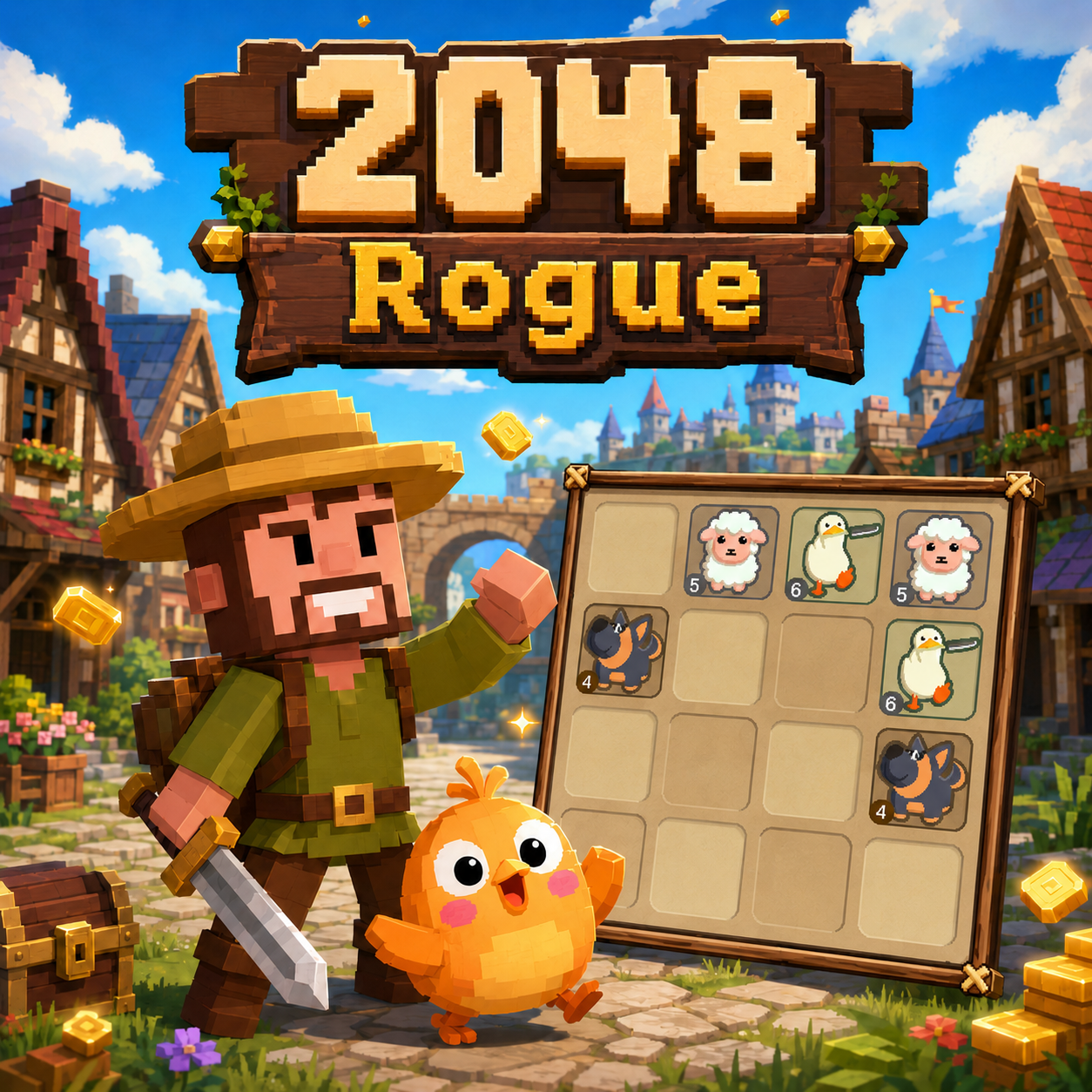
2048 Rogue is an animal-themed merge puzzle that gives the familiar 2048 formula a more playful identity. Numbered blocks are replaced by illustrated tiles featuring eggs, chickens, cats, sheep, penguins, dolphins, and other creatures. Each one has a Profit value that rises as you create higher forms.
The rules are easy to understand, but every input changes the entire grid. One poorly planned swipe can separate a useful pair, move a valuable animal away from your main chain, or leave too little room for the next tile. Success depends on building Profit while keeping the board flexible.
Let's play 2048 Rogue!
Use the directional controls to slide every tile up, down, left, or right. When two identical animals meet, they combine into the next creature in the sequence and produce a higher Profit value. Early merges begin with simple tiles such as eggs and gradually reveal more valuable animals.
A new low-level tile appears after each valid move, so the amount of free space slowly decreases. Creating a merge opens one position, but the following spawn can immediately occupy another. This constant exchange between gaining value and losing space drives the main challenge.
The run ends when the grid is full and no neighboring tiles can be combined. Chasing every available match is therefore not always the best decision. Where a merge happens can matter as much as the value it creates.
2048 Rogue offers two modes built around the same sliding and merging rules. Story Mode provides structured progression, while Endless Mode focuses on survival and high scores.
Story Mode divides the adventure into separate stages that unlock as you progress. Each level gives you a defined objective and records your number of moves and completion time. You can revisit finished stages to search for a more efficient solution.
Animal descriptions and short conversations develop the game’s light business-themed story. New creatures introduce additional dialogue about livestock, profits, neighbors, and the rogue’s unusual plans. These narrative moments give each successful evolution a purpose beyond increasing the tile value.
Endless Mode removes the level structure and lets you keep merging until the board has no legal moves left. There is no fixed finishing point, so the objective is to create the most valuable animal chain and earn the highest score possible.
A live leaderboard allows you to compare results with other players. Real-time chat also adds a social element, letting players discuss their progress while working through their own boards.
Before starting an Endless run, you can choose one of three visual environments:
These choices change the scenery around the puzzle without altering the merging rules or difficulty.
A consistent layout is more reliable than reacting to one merge at a time. The following habits can help you maintain control as the grid becomes crowded:
Computer
Mobile
The on-screen Undo option reverses an unwanted move, while New Game starts a fresh board.
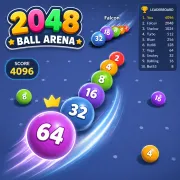
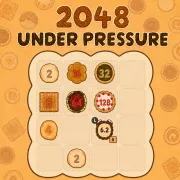
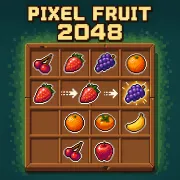
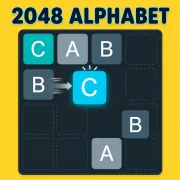
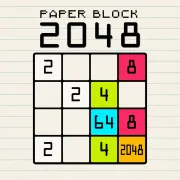
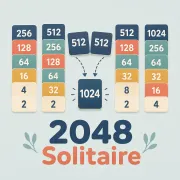
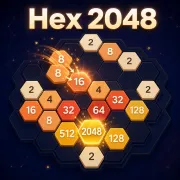
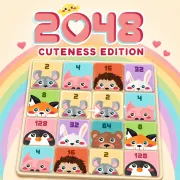
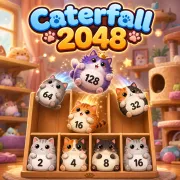
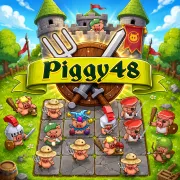
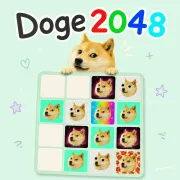
If you enjoy evolving tiles and managing limited space in 2048 Rogue, continue with these three creative variations:
Computer
Mobile